


Download Intego Mac Premium Bundle X9 – All‑in‑One Mac Security & Optimization Suite
Overview
Intego Mac Premium Bundle X9 is a comprehensive security and maintenance suite designed exclusively for macOS. Built by Intego, a company that has focused on Mac protection since the early 1990s, the bundle combines five powerful utilities into a single, easy‑to‑manage package. The core components—VirusBarrier X9, NetBarrier X9, ContentBarrier X9, Mac Washing Machine X9, and Personal Backup—work together to deliver 24/7 antivirus protection, an intelligent two‑way firewall, parental controls, system cleanup, and bootable backups.
Whether you are a solo professional, a family with several Macs, or a small business looking for a Mac‑only solution, the Premium Bundle promises a “set‑and‑forget” experience while still giving you granular control when you need it. The software is available as a free 30‑day trial, after which you can choose a one‑year or two‑year subscription for up to five devices. An optional Dual Protection add‑on even lets you extend the same security engine to a Windows PC, making it a versatile choice for mixed‑OS households.
In a market crowded with cross‑platform antivirus solutions, Intego stands out for its Mac‑first philosophy, low‑impact scanning, and a user interface that feels native to macOS.
Key Features of Intego Mac Premium Bundle X9
- VirusBarrier X9 – Real‑time Antivirus: Uses signature‑based detection, heuristic analysis, and cloud‑based threat intelligence to block malware, ransomware, and adware before they can execute.
- NetBarrier X9 – Two‑Way Firewall: Monitors inbound and outbound traffic, automatically blocks suspicious connections, and offers custom rules for hotspot and home networks.
- ContentBarrier X9 – Parental Controls: Filters web content, blocks specific URLs, limits screen time, and monitors chat activity to keep children safe online.
- Mac Washing Machine X9 – System Optimizer: Removes duplicate files, clears caches, disables unnecessary startup items, and reorganizes the file system for faster performance.
- Personal Backup – Bootable File Backup: Creates encrypted, bootable backups of your entire system or selected folders, with scheduling and versioning options.
- Automatic Updates & Cloud Scans: Ensures the latest virus definitions and firewall rules are always in place without manual intervention.
- Multi‑Device Licensing: One license covers up to five Macs, with optional Dual Protection for a Windows PC.
- Low System Impact: Engineered to run in the background with minimal CPU and RAM usage, preserving battery life on MacBooks.
Installation, Setup, and Daily Usage
Getting Intego Mac Premium Bundle X9 up and running is straightforward. After you download the installer from Intego’s official website, double‑click the .dmg file and drag the application folder to your /Applications directory. The installer will request administrator privileges to install kernel extensions needed for NetBarrier’s firewall. Once installed, launch the suite; the first launch wizard walks you through a quick system scan, firewall activation, and optional component selection. Because each utility runs as a standalone app, you’ll see separate icons for VirusBarrier, NetBarrier, ContentBarrier, Washing Machine, and Personal Backup in the menu bar.
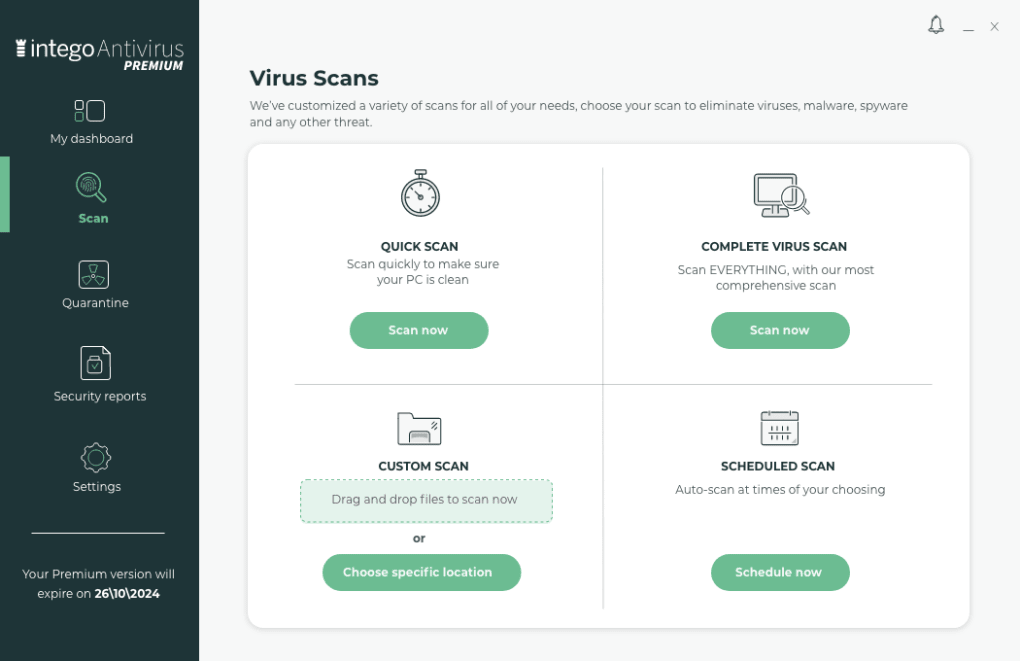
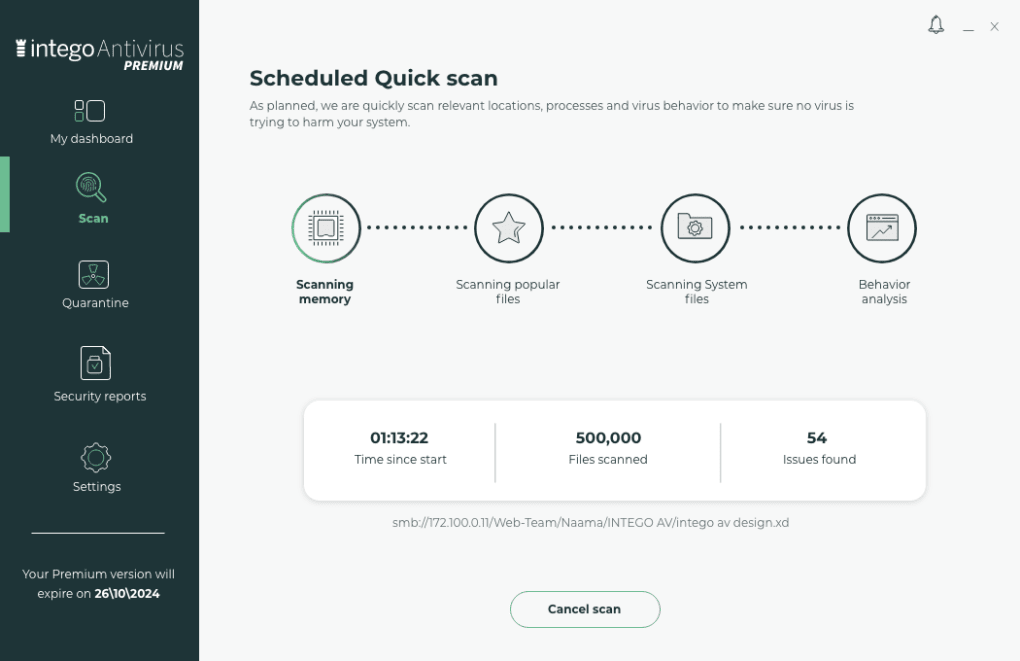
Daily usage is designed to be “set‑and‑forget.” VirusBarrier runs silently in the background, scanning files in real time and notifying you only when a threat is detected. You can schedule deep scans (weekly, bi‑weekly, or monthly) and choose specific folders—ideal for large media libraries that you want to exclude from constant monitoring. NetBarrier’s firewall automatically learns trusted applications but also lets you create manual rules for advanced users.
For families, ContentBarrier offers a simple dashboard where you can define safe sites, block adult content, and set time limits for each user profile. The Washing Machine is best run once a month; a single click launches a scan for duplicate files, large caches, and unused language packs, then offers one‑click cleanup. Personal Backup lets you schedule daily incremental backups and weekly full backups, storing the images on an external drive, Time Machine disk, or cloud storage of your choice.
Restoration is equally simple: boot from the backup disk or use the built‑in restore wizard to recover individual files or the entire system.
The suite also includes a helpful “Help & Support” center that integrates live chat, knowledge‑base articles, and video tutorials. If you ever need to switch between tools, the menu‑bar icons let you jump instantly, and the “Intego Dashboard” provides a single view of overall security status, recent alerts, and system health metrics.
Compatibility, Licensing, and Pricing
Intego Mac Premium Bundle X9 is compatible with macOS 12 Monterey, macOS 13 Ventura, and macOS 14 Sonoma. Older macOS versions (10.15 Catalina and later) are also supported, though some advanced features like the latest firewall rules may require the newest OS. The suite does not run on iOS or iPadOS, but the optional Dual Protection add‑on provides a Windows 10/11 compatible version for users who need cross‑platform coverage.
Licenses are sold per device and come in three tiers: a single‑Mac license, a three‑Mac license, and a five‑Mac license. Prices start at $39.99 per year for a single Mac, $89.99 for three Macs, and $149.99 for five Macs. The two‑year plans offer a 20 % discount, bringing the five‑Mac package down to $239.99 for two years. Dual Protection, when added, costs an extra $19.99 per year. All subscriptions include free updates for the duration of the term and a 30‑day money‑back guarantee if you’re not satisfied.
Because Intego is a Mac‑only developer, the software is fully optimized for Apple silicon (M1, M2, and future chips) as well as Intel‑based Macs. Installation on Apple silicon devices uses native code, resulting in faster scans and lower power consumption compared to many cross‑platform competitors. If you’re using a mixed‑environment home or office, the Dual Protection add‑on is a cost‑effective way to keep your Windows machines protected with the same detection engine.
Pros, Cons, and Frequently Asked Questions
Pros
- All‑in‑one suite covers antivirus, firewall, parental controls, system cleanup, and backup.
- Mac‑first design ensures low CPU/RAM usage and seamless integration with macOS.
- Flexible licensing for families and small businesses (up to 5 Macs).
- Free 30‑day trial lets you test every feature before committing.
- Optional Dual Protection provides cross‑platform security at a low cost.
Cons
- Each utility runs as a separate app, requiring you to switch windows for full system maintenance.
- No native iOS/iPadOS app (though this is typical for full‑system security suites).
- Advanced firewall rules may be overwhelming for novice users.
- Pricing is higher than some basic Mac antivirus options, but justified by the feature set.
FAQ
Is Intego Mac Premium Bundle X9 the best antivirus for Mac?
Intego is consistently ranked among the top Mac‑only security solutions because it combines a lightweight engine, excellent detection rates, and a full suite of tools that go beyond basic antivirus. While “best” can be subjective, many reviewers consider it the most comprehensive Mac‑focused protection available.
Can I use the bundle on both Intel and Apple‑silicon Macs?
Yes. Intego provides native binaries for both Intel and Apple‑silicon (M1/M2) Macs, ensuring optimal performance and low power consumption on all supported hardware.
How does Personal Backup differ from macOS Time Machine?
Personal Backup creates bootable, encrypted images that can be restored even if macOS fails to start, whereas Time Machine relies on the operating system to boot. This makes Personal Backup a stronger disaster‑recovery option for critical data.
Will the firewall interfere with my VPN or other network tools?
NetBarrier is designed to coexist with popular VPN clients. It automatically detects VPN interfaces and adjusts its rules, but you can manually whitelist any VPN service if needed.
What happens after the free trial ends?
Once the 30‑day trial expires, the suite enters a reduced‑function mode where real‑time protection is disabled. You’ll be prompted to purchase a subscription to reactivate full protection and continue receiving updates.
Conclusion & Call to Action
Intego Mac Premium Bundle X9 delivers a rare combination of security, privacy, performance optimization, and backup capabilities in a single, Mac‑focused package. Its five dedicated utilities give power users the flexibility to fine‑tune each aspect of system protection, while the intuitive dashboard keeps the experience simple for less‑technical families. Although the separate‑app design means you’ll juggle a few windows during a full maintenance session, the trade‑off is a highly specialized toolset that never compromises on macOS integration or low system impact. For anyone who values a robust, all‑in‑one defense strategy—especially households with multiple Macs or mixed‑OS environments—the Premium Bundle is a worthwhile investment.
Ready to protect your Mac with a solution built specifically for macOS? Download the free 30‑day trial of Intego Mac Premium Bundle X9 today, explore the full feature set, and enjoy peace of mind knowing your data, privacy, and performance are safeguarded.







